How do I batch edit classroom's frameworks?
It is very easy to batch edit classroom frameworks on the Learning Genie web portal!
Please note that if you upload to DRDP Online, you must have only one framework per age group
(e.g. if your preschoolers use the (PTK) view, then all preschool classes must use the DRDP2025-Preschool/Transitional Kindergarten (PTK) view.
1. Using a web browser, log into web.learning-genie.com
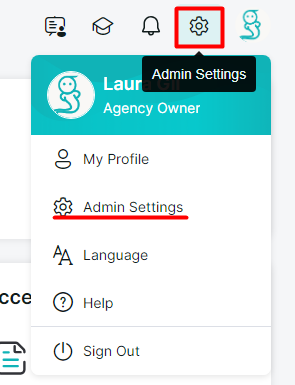
2. Click on your "Admin Settings".
3. On the left-hand side, locate and click "Manage Sites".
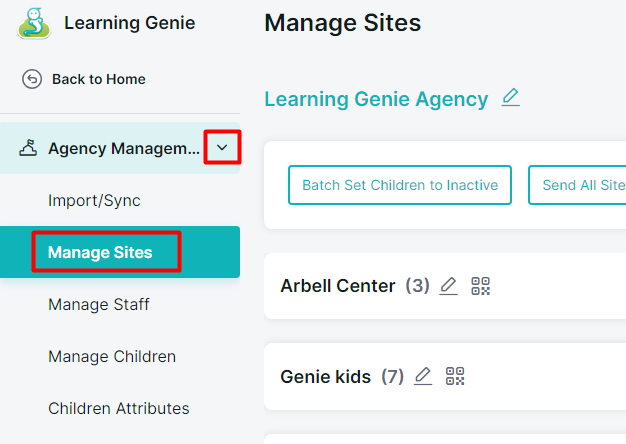
4. Locate the "Batch Set Classroom Framework" button, then click it.

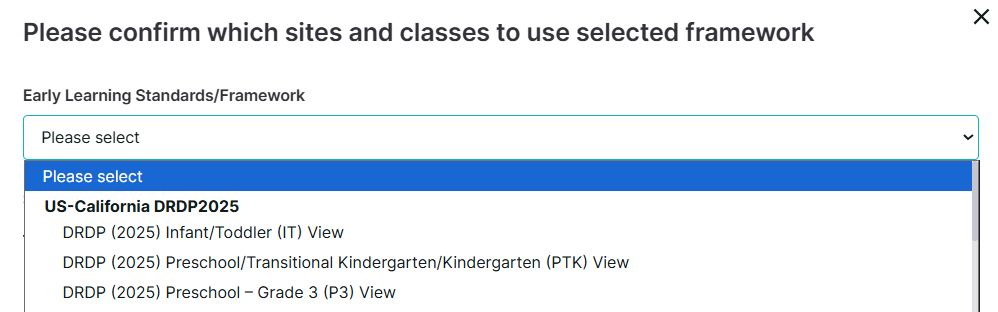
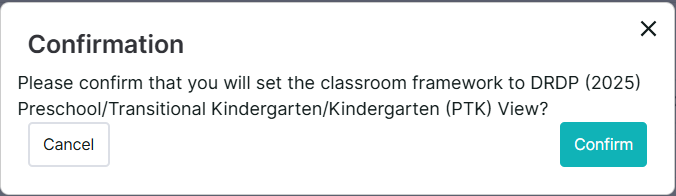
5. Please confirm the new framework that will be set and choose which sites and classes will use the selected framework.
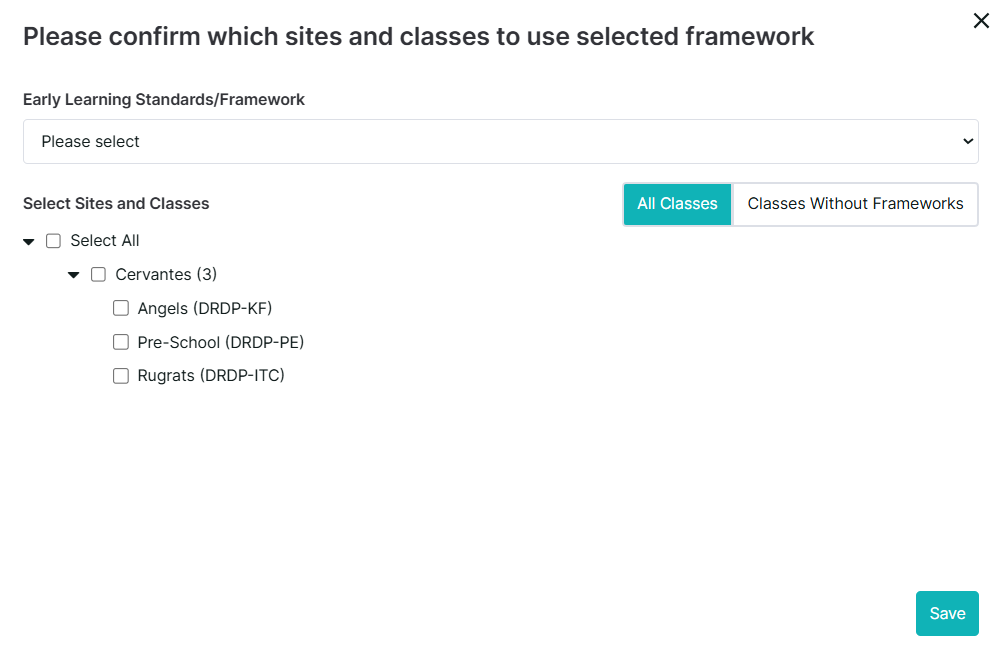
6. Click "Confirm" once you are done.
If you are still having difficulties, do not hesitate to reach us at [help@learning-genie.com] or call (760)576-4822!